You send invoices every week. Open Google Drive, pull the template, fill in the details, download as PDF, open Gmail, attach, send. The same flow, every time. You could build an automation from scratch, but that means mapping every step yourself and hoping you don't miss anything.
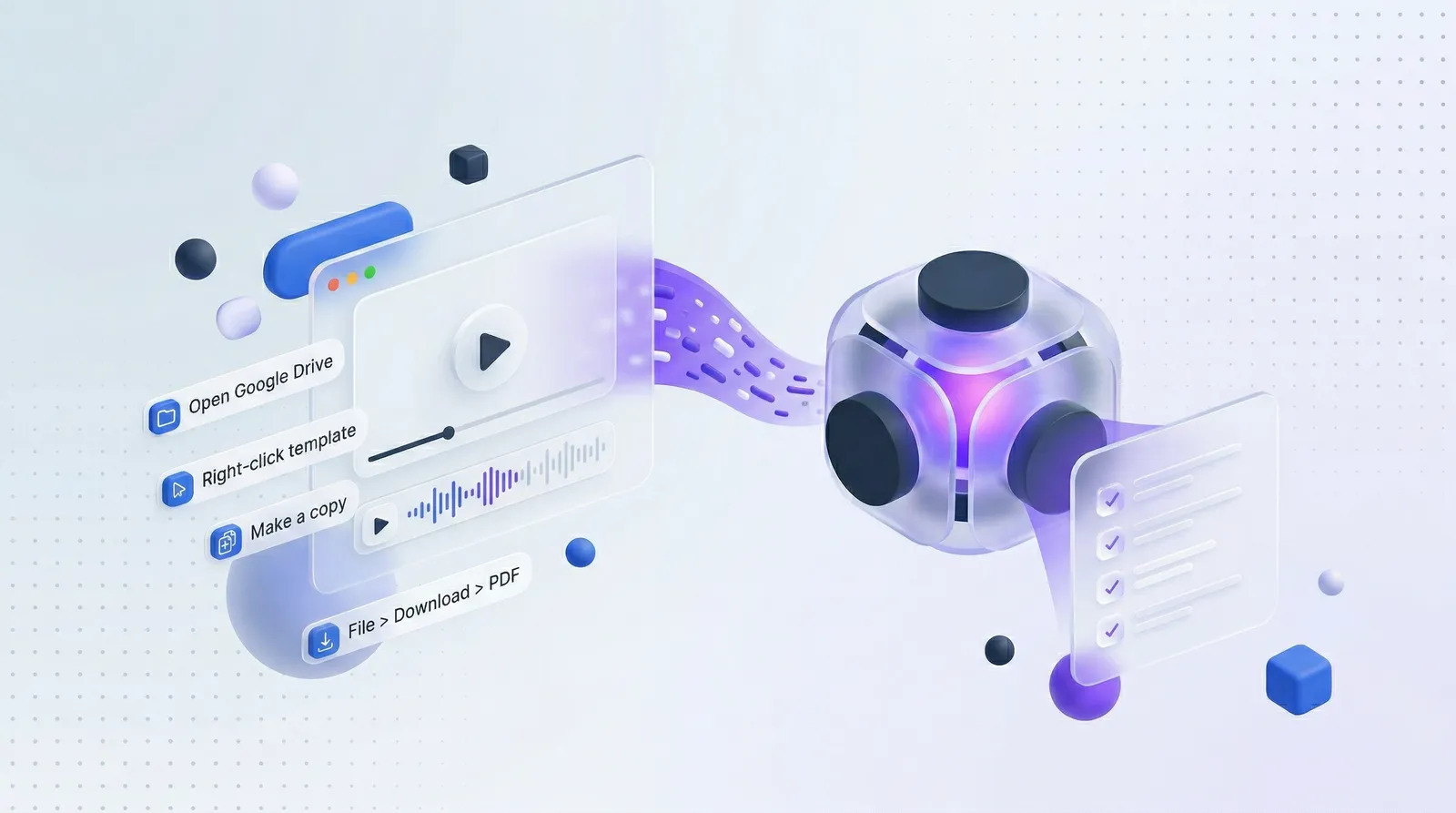
There's a faster way. Record yourself doing it once. Let ReplayDoc turn that screen recording into a structured SOP. Feed it to an AI agent.
The Problem with Writing SOPs from Memory
Most SOPs are written from memory. Someone sits down and tries to document a process they've done a hundred times. They skip steps that feel obvious, forget edge cases, and produce a document that looks complete but misses the details that matter.
The invoicing flow is a perfect example. When you write it from memory, you might list:
- Create invoice
- Fill in details
- Send to client
But the actual flow has dozens of micro-decisions. Which template? Where's the client's billing email? What format does the PDF need to be? What subject line? A video to SOP tool catches every one of these because it watches you do the work, not recall it.
Record Your Workflow Once, Get a Complete SOP
Open your screen recorder and do the invoicing flow exactly as you normally would. Don't optimize. Don't skip steps. Just do it naturally.
ReplayDoc watches the recording and extracts every step:
- Step 1: Open Google Drive, navigate to the Invoices folder
- Step 2: Right-click the invoice template, select "Make a copy"
- Step 3: Rename the copy with the client name and date
- Step 4: Open the copy, update the line items
- Step 5: Update the total and payment terms
- Step 6: File > Download > PDF document
- Step 7: Open Gmail, compose new email
- Step 8: Add the client's billing email from contacts
- Step 9: Attach the PDF, write the subject line
- Step 10: Review and send
Each step comes with a screenshot showing exactly what the screen looked like at that moment. The SOP reflects what you actually do, not what you remember doing.
From SOP to AI Agent
The extracted SOP doubles as a blueprint for automation. Feed this structured output to an AI agent framework, and the agent picks up:
- Which tools are needed: Google Drive, Google Docs, Gmail
- What actions to take: Copy, rename, edit, download, compose, attach, send
- What data to collect: Client name, line items, amounts, email address
- What the expected result looks like: A sent email with the correct PDF attached
The agent can then replicate this flow autonomously. Give it the client name and line items, and it handles the rest.
Most SOP tools export PDFs or slide decks built for humans to read. That's fine for onboarding, but useless for AI agents. ReplayDoc exports structured markdown with numbered action steps, tool references, and decision points. That's the format AI agent frameworks like Strands, LangChain, and CrewAI can actually consume. Drop the same export into Claude Code, Codex, Paperclip, or OpenClaw and the agent has everything it needs to replicate your workflow.
How to Feed Your SOP to an AI Agent
ReplayDoc can export the SOP in a format optimized for AI agent frameworks. The export includes:
- A structured list of actions with their parameters
- The tools required at each step
- Decision points and conditional logic
- Success criteria for each step
The output is a direct capture of how you actually do the work, pulled straight from your screen recording. Not a generic automation recipe.
Beyond Invoicing: Other Workflows That Work
Invoicing is one example. Any repetitive workflow that follows a predictable pattern works the same way:
- Client onboarding: Set up a new client in your project management tool, CRM, and communication channels while recording. The SOP catches every field, every default setting, every welcome email template you use.
- Weekly reporting: Pull data from your analytics dashboard, format it, send the summary. The agent learns which metrics matter and where they go.
- Data entry: Transfer information between systems. The SOP maps every field from source to destination, including the small transformations you do on autopilot.
- Support ticket triage works too. Record yourself reading, categorizing, and routing a few tickets. The agent picks up your classification logic from watching you apply it.
The pattern is always the same: record, extract, feed, automate. The screen recording captures context that writing from memory always misses. And once the SOP exists, you can hand it to an AI agent or use it to find bottlenecks in the process itself.
Start with One Workflow
Pick the task you do most often. The one that's repetitive, predictable, and takes 5-15 minutes each time. Record yourself doing it once. Upload to ReplayDoc. Export the SOP.
Most people find 10-15 steps they were doing on autopilot. And once those steps are structured as a video-to-SOP export, an AI agent can learn to do them in seconds.